Multi-Doctor Clinic Management Guide
How to manage a clinic with several doctors: departments and shifts, splitting income between doctors and partners, a shared queue and reports.

In multi-doctor clinic management, the software has to go beyond single-practice software: several doctors with different schedules, several departments, several receptionists, morning and evening shifts, and income split between the centre, doctors, assistants and partners. If these aren't set up properly, every month ends with manual calculations and disputed figures.
Define the clinic's structure correctly
- Departments: general practice, specialist clinics, dentistry and so on. Each department has its own services and fees.
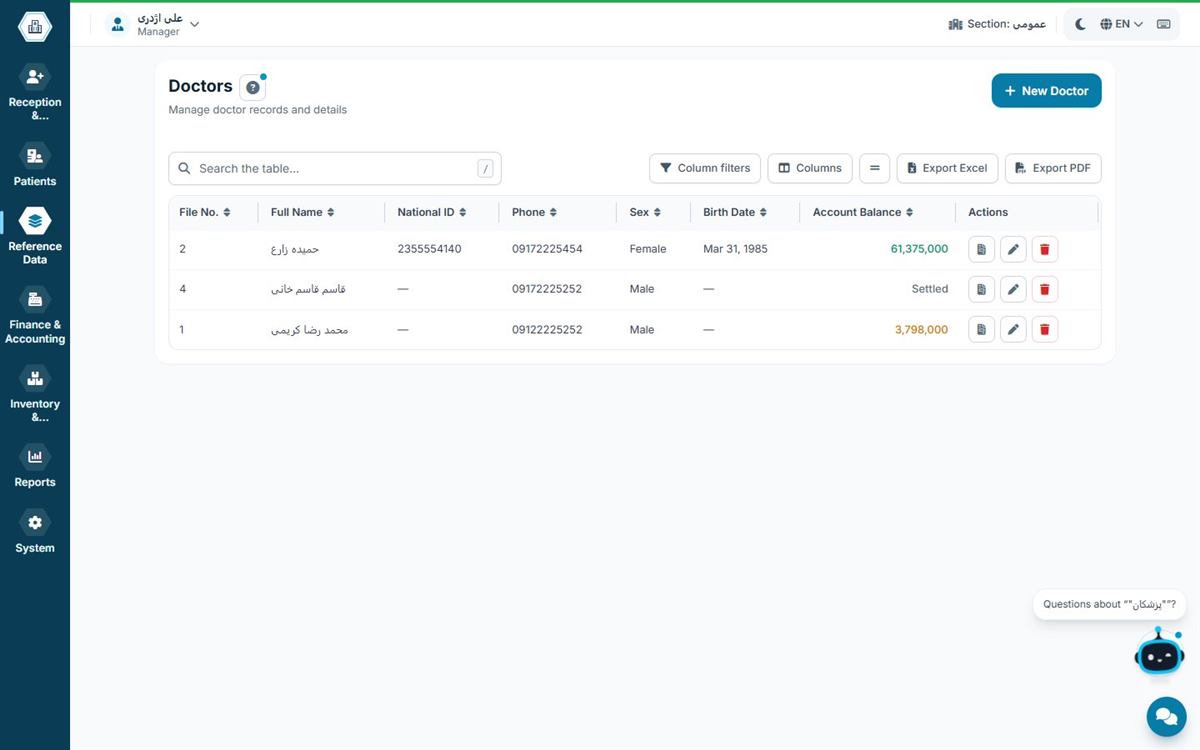
- Doctors and assistants: each doctor has their own schedule, appointment capacity and permitted services.
- Shifts: each shift's cash box and report are closed separately so responsibility is clear.
- Access levels: each department's receptionist sees only that department's visits, and the accountant has access to financial reports.
Splitting income between doctors and partners
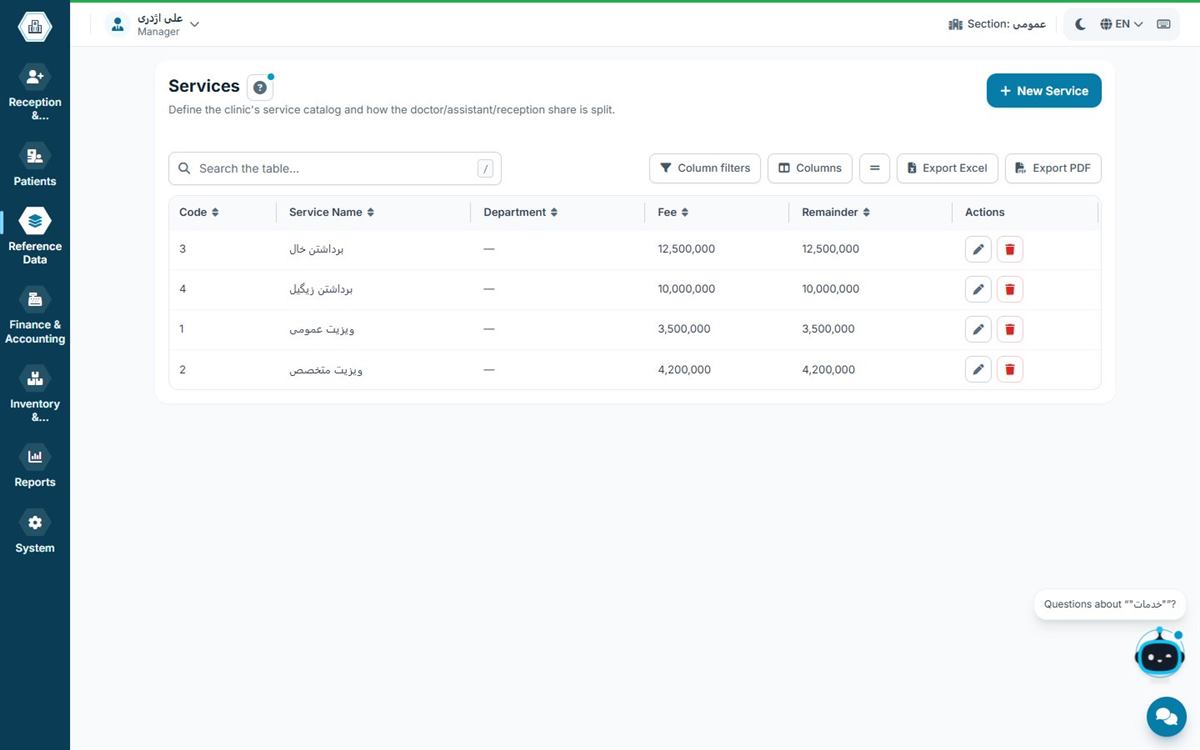
The biggest difference between a clinic and a single practice is how income is split. For each service, define what percentage or amount goes to the doctor, the assistant and the centre. The software should calculate these shares at the moment of check-in, not at month-end. That way every doctor can see their own figures at any time and settlement becomes simple. Read the financial details in medical practice accounting.
Shared queue and queue display
In a clinic, patients of several doctors wait in the same hall. Showing each doctor's queue number on a shared screen, with a separate waiting list for each room, reduces crowding and confusion. We cover booking methods in clinic appointment scheduling.
Reports a clinic manager needs
- Income and visit count per doctor and per department
- Comparison between shifts
- Shares payable to doctors and partners
- Expenses and the centre's profit and loss
- Inventory by department
Roles and responsibilities in a clinic
| Role | Main responsibility | Suggested software access |
|---|---|---|
| Clinic manager | Reports, fees, shares | All sections |
| Department receptionist | Check-in, appointments, shift cash box | Reception and cash for that department |
| Doctor | Consultation, records | Own patients' records and waiting list |
| Accountant | Vouchers, payroll, settling shares | Finance only, no medical records |
Clearly defined roles reduce errors and protect patient data.
Metrics a clinic manager should check every month
- Visits per doctor and per department, and the trend versus last month
- Income per department and the centre's share of it
- Completed appointments as a share of booked appointments
- Average patient waiting time
- Expenses and inventory consumption per department
These metrics show which department has grown, which doctor has spare capacity and where costs exceed income.
Common clinic management mistakes
- One cash box for every shift: nobody is clearly responsible for discrepancies.
- Calculating doctor shares at month-end: slow and error-prone; it should happen at check-in.
- Full access for everyone: raises security risk and human error.
- No separate fee schedule per department: the real income of each department stays unknown.
From practice to clinic
Many clinics started as a single practice. If you choose software from day one that supports departments, shifts and doctor shares, adding a new doctor just means defining them, and your existing data stays untouched.
Setting service fees in a clinic
Each department has its own services and fees. Define fees per service in the software rather than typing them at every check-in; that way every receptionist charges the same amount and income reports per service are reliable. If insurer fees differ from private fees, define both so the software calculates the patient and insurer portions automatically. Whenever fees change, record the effective date so reports for earlier periods stay correct.
Managing shifts and doctor attendance
Clinic doctors usually work on different days and hours. Each doctor's schedule should be defined in the software so appointments can only be booked when they are present. If a doctor takes leave or swaps a shift, changing the schedule highlights that day's appointments so the receptionist can inform patients. Each shift's cash box and report are closed separately so shifts can be compared.
Hamyarteb for clinics
Hamyarteb supports multiple doctors, assistants, departments and shifts, calculates doctor, assistant and partner shares on every visit and can display queue numbers on several screens. Every computer in the clinic works at the same time over the local network. Compare editions in the editions table.
Frequently asked questions
Is single-practice software enough for a clinic?
Usually not; a clinic needs multiple doctors, departments, shifts and income splitting.
Are partner shares calculated too?
In Hamyarteb, yes; shares for doctors, assistants and partners are defined and calculated.
Does each receptionist see only their own department?
Yes, once access levels are defined.
Does each department need its own cash box?
It's better; a separate cash box per shift or department makes responsibility for discrepancies clear.
Can doctors see their own figures?
With the right access level, each doctor can see their own visits and shares.