Offline vs Cloud Clinic Software Compared
Is offline or cloud clinic software better? A comparison of speed, internet dependence, data security, cost and remote access to help your practice choose.
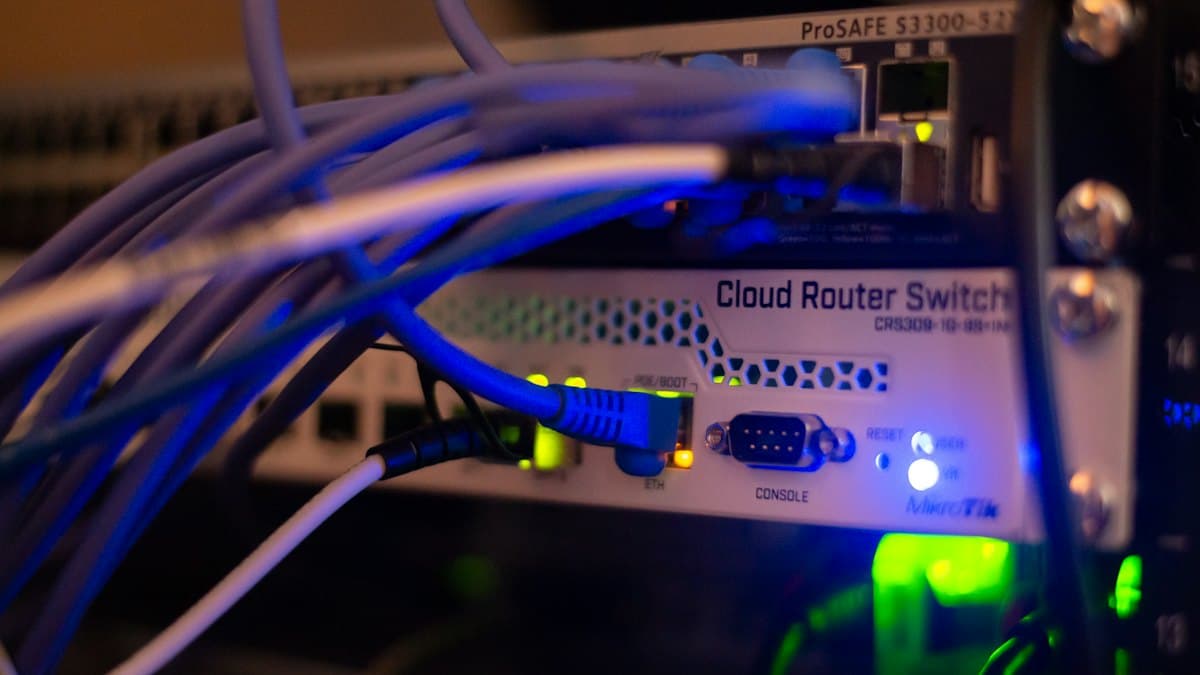
Offline clinic software runs on the practice's own computers and local network and doesn't need the internet for daily work. Online or cloud software runs on the vendor's servers and is accessed over the internet. The right choice depends on how reliable your internet is, how much you care about where data is stored, and whether you need remote access.
Quick comparison
| Criterion | Offline (networked) | Online (cloud) |
|---|---|---|
| Internet outage | Work continues | Reception stops |
| Speed | Local network speed | Depends on internet speed |
| Data location | The practice's own server | The vendor's server |
| Backups | The practice's responsibility, with built-in tools | The vendor's responsibility |
| Access outside the practice | Via an app or separate access | From anywhere |
When offline is the better choice
If your practice's internet sometimes drops or slows down, cloud software means a stalled queue and waiting patients. With offline software, reception, the cash box and patient records run on the local network, and only tasks that inherently need the internet depend on a connection. Patient data also never leaves the practice, which many doctors see as a security advantage in itself.
When online makes sense
If you have several branches in different cities, or most work happens outside the practice, constant internet access becomes more important. In that case, make sure the vendor offers backups, encryption and a clear contract on data ownership.
A hybrid approach
A common pattern is to run the main software offline on the practice network, with a lightweight mobile app for the doctor that shows a summary of the day. Hamyarteb follows exactly this model: a Windows application on the practice network and a companion app for the doctor to see today's appointments. The licence is renewed with a short periodic connection, so daily work doesn't depend on the internet. We explain the security of this model in patient data security.
Data security in each approach
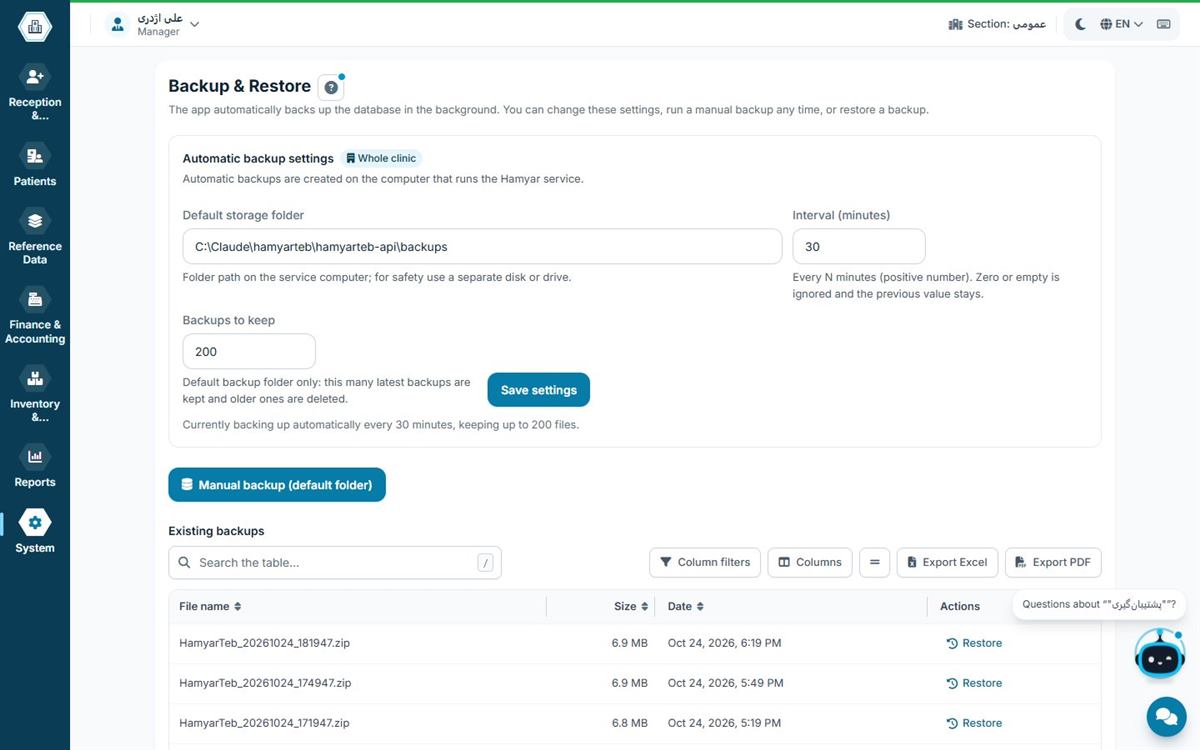
With offline software, patient data never leaves the practice building and only people with access to the practice network can see it. Backups and the physical security of the server computer are the practice's responsibility, so the software must provide automatic backups and precise access levels. With cloud software, data lives on the vendor's servers; backups are handled by the vendor, but you must trust their security, encryption and contract. For many doctors, direct control over patient data is the main reason to go offline.
Cost over time
Cloud software usually has a monthly or annual subscription and needs a stable, fast internet connection. Offline software needs a suitable computer to act as the server and a local network, which most practices already have. When comparing costs, put the cost of reliable internet, downtime during outages and the subscription side by side.
Several computers at once
A common misconception is that offline software only runs on one computer. Networked software such as Hamyarteb runs on every computer in the practice at the same time: reception, the consulting room, accounts and even the queue display in the waiting room. All computers connect to one database on the server computer, and changes appear on every screen immediately.
Checklist for choosing between them
- How reliable is your practice's internet? How long did recent outages last?
- Who is responsible for backups, and what tools does the software provide?
- Do you need access from outside the practice, or is a daily summary on mobile enough?
- How many branches do you have?
- Where do you believe patient data should be stored?
Three real-world scenarios
A practice in an area with unreliable internet: an outage of several hours means reception and the cash box stop in cloud software. Offline software is the clear choice here.
A clinic in one building with several computers: all computers are on the local network, which is far faster than the internet. Networked offline software works faster and more reliably.
A group with branches in several cities: it needs a unified view of every branch. Here either cloud software, or offline software in each branch with consolidated reporting, is worth considering.
Remote access without moving everything to the cloud
A doctor wants to know at home, or between two practices, how many patients they have today and what the day's income was. That doesn't require putting all patient data on the internet. A lightweight mobile app that shows only the daily summary meets this need, while medical records stay on the practice server.
Frequently asked questions
Does offline software run on several computers?
Yes; networked versions run on every computer in the practice at the same time, with one computer acting as the server.
Who handles backups for offline software?
The practice itself; good software provides automatic, scheduled backups.
Does Hamyarteb work entirely without internet?
For daily work, yes; only the periodic licence renewal needs a short connection.
Does offline software get updates?
Yes; updates are downloaded and installed when you're connected, and daily work doesn't depend on them.
What if the server computer fails?
With automatic backups, the database can be restored on another computer, which is why you should keep a backup copy outside the main server.